
Our Web App Development Services
Get custom web solutions from a trustworthy, leading web app development company. We are here to serve your every web development requirement. Develop your brand website, a custom web solution for your internal needs, a cross-platform web app for marketing your products, or a cloud solution for instant collaboration and security. Here are some web development services we offer

We design and develop custom web solutions from scratch – whether it is PWAs, animated UI designs, CMS websites, enterprise-level web apps, or web portals. Contact us to get a free personalized quote for your project.

Do you want to create an interactive user experience for your customers? Convert your web app idea into a dynamic web application using Angular. We custom design user interfaces that are interactive, user-friendly, and intuitive to use.

We provide Rails development services to startups and enterprises alike. Our web developers develop web apps that are scalable, integrable with your existing systems, and highly performative. Book a free consultation with our consultants today.

Node.js is apt for custom web app development owing to its flexibility, scalability, and event-driven architecture. We ensure a smooth web development experience with innovative, scalable, real-time web solutions using the robust NodeJS framework.

Want to integrate advanced features in your web app? Our web app developers are proficient in developing modern web apps, AI/ML solutions, eCommerce sites, and social media networks using Python language. Develop end-to-end custom web applications with us.

Laravel provides the security and flexibility to build custom web solutions. Hire dedicated Laravel developers from Monocubed to develop web applications that increase your business efficiency and enhance your customer’s experience.

Looking for a PHP web development partner? We have experienced PHP developers who build robust backends with clean, optimized codes. Develop custom web and cloud solutions that take your business to new levels. Contact us today.

CodeIgniter Development
Looking for a secure, scalable website? We develop custom web apps with the highest security and scalability with the CodeIgniter framework. Develop eCommerce platforms, enterprise solutions, and payment gateways with us.
Wondering If Your Web App Idea Will Work?
Let’s get your idea validated by professionals. With thorough market research and analysis, we will define your project scope and check the feasibility of your idea.
Why Monocubed is Your Ideal Web Technology Partner
We are a custom web application development company based in Toronto, Canada. At Monocubed, we believe in driving businesses with technological innovation. We develop scalable, cost-effective web solutions that efficiently solve your business challenges. Want a company that understands your business’s in and outs? Contact us. We ensure the best custom web application development services.

30-min free consultation

Signs NDA

Dedicated web developers and designers

100% data security

Constant feedback cycle

Regular updates

Complete transparency

Highest code quality

90-days maintenance support
What Our Clients Say About Us
Singing Telegrams App
USA
Heather Atles (CEO at Atles Revelry)
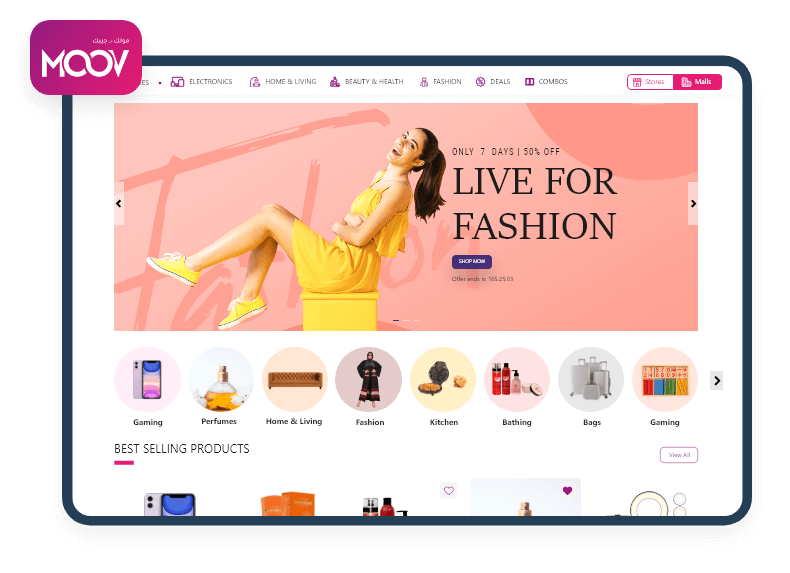
The development team delivered the impressive Singing Telegrams web app, incorporating exceptional features such as telegram’s portfolio integration with photos and videos, auto-synchronization with Google Calendar, one-to-one chat feature, easy booking and cancellation for clients and a stripe payment system. We are extremely pleased with the progress of the project and satisfied with a job well done.

MRS Management
USA
Roman Malone (President at E. Cornell Malone Corp)
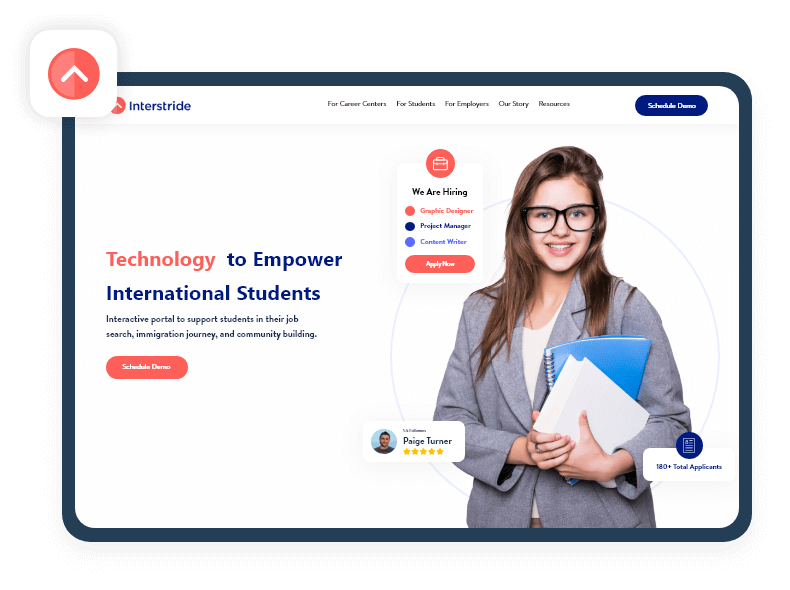
The team was well versed with our requirements and developed a web-based solution to manage our sales, production and overall project management. They were very attentive and responsive to any changes we required. The web platform has standardized our way of working. Our sales team is now delivering more accurate estimates and project proposals.

Sayyar
Saudi Arabia
Abdulwahab Aleisa (GM of Sayyar trading)
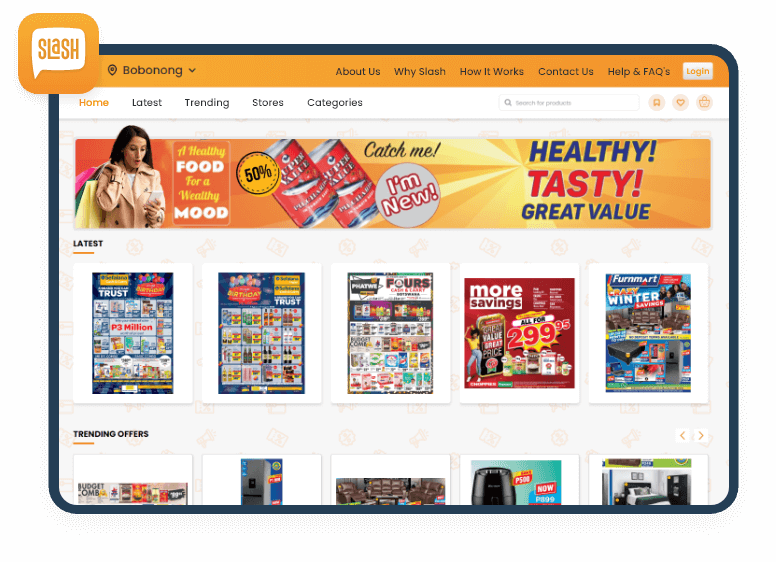
Always available to answer any questions. Very knowledgeable about the services they provide, and results-oriented!. Would recommend to anyone! It’s always a pleasure to work with their development team.
Our Web Expertise
Every web application and website development project we take up is unique. Different industries require different types of website design and varied functionalities. Over the years, our web developers and web designers have used multiple technologies to build custom web applications. Here is a list of all the technologies we use in the design and development of a new website and web app.
Languages
 PHP
PHP- Ruby
- JavaScript
- HTML
- GoLang
- TypeScript
- C#
- Python
 PHP
PHP Ruby
Ruby JavaScript
 HTML
HTML GoLang
 TypeScript
 C#
C# Python
Frameworks
- Yii2
- Ruby on Rails
- React
- Angular
- Vue
- CodeIgniter
- Laravel
- .NET
 Yii2
Yii2 Ruby on Rails
 React
React Angular
 Vue
Vue CodeIgniter
 Laravel
 .NET
.NETDatabase
- MongoDB
- MySQL
- PostgreSQL
- Redis
 MongoDB
 MySQL
MySQL PostgreSQL
 Redis
RedisCMS
- WordPress
- Drupal
- Joomla
- Magento
 WordPress
 Drupal
 Joomla
 Magento
Server
- Apache HTTP Server
- LiteSpeed
- Nginx
 Apache HTTP Server
 LiteSpeed
 Nginx
NginxIndustries We Serve

Healthcare

Travel

Logistics

Education

Retail

Food and Drink

Transportation

Social Networks

Finance and banking

Agritech
Want a Personalized Web Solution?
Get a custom-made web solution that is affordable, highly performative, and easy to use. Let’s discuss your requirements and start ideating.
Our Web Application Development Process
We have a standard web app development process curated over years of working on web application development projects. With a streamlined, well-tested development process, we will use minimum resources to develop custom web apps from scratch.
Requirement Analysis
- Understanding your goals and business vision
- Choosing your web development team
- Discussing your budget and timeframe
Research and Planning
- Validating your idea with professionals
- Conducting market research
- Creating personalized development plan
Designing UI/UX
- Designing the web app architecture
- Creating wireframes for each module
- Creating responsive user interfaces
Coding and Development
- Converting UI designs into working frontend
- Coding each module of the web app
- Creating a database
Testing
- Conducting functional and non-functional tests
- Removing bugs and re-testing until code is optimized
- Getting your feedback and making changes
Launch and Maintenance
- Launching the web solution on servers
- 90-days of additional tech support
- Tracking and evaluating web app performance
Frequently Asked Questions
There is no fixed charge for a web development project. Each project is different and requires a different level of expertise, technologies, and hours. Contact us with your web development project details. We will analyze your requirements and give you a detailed work breakdown structure and a cost estimate. For your information, we will calculate the total cost of your project based on –
- The type of software solution
- Complexity of the web solution
- Timeline
- Technologies you require
- Unique features or functionalities you require
- Number of features you want to incorporate
- The uniqueness of user interface designs
- Scale and complexity of the website
- The testing and security of website
Contact our team today. Our sales team will analyze your requirements and provide an estimated cost and timeline of the project.
Our Top Blogs

 All our projects are secured by NDA


